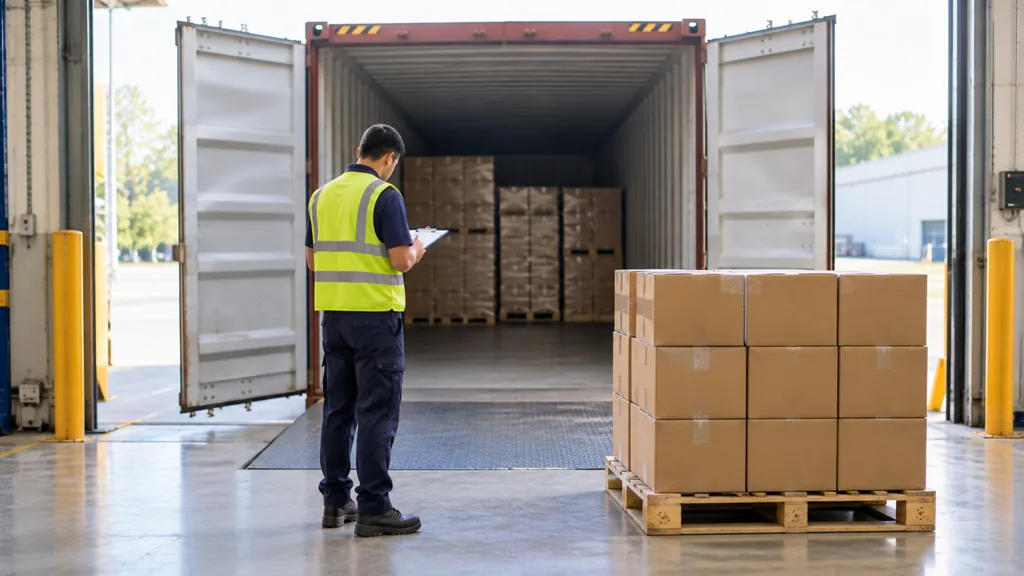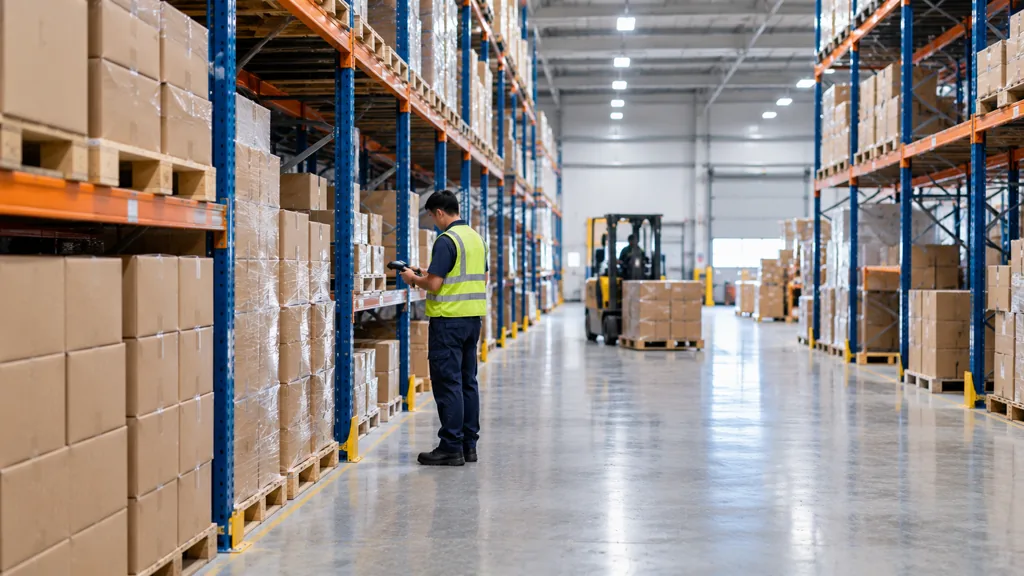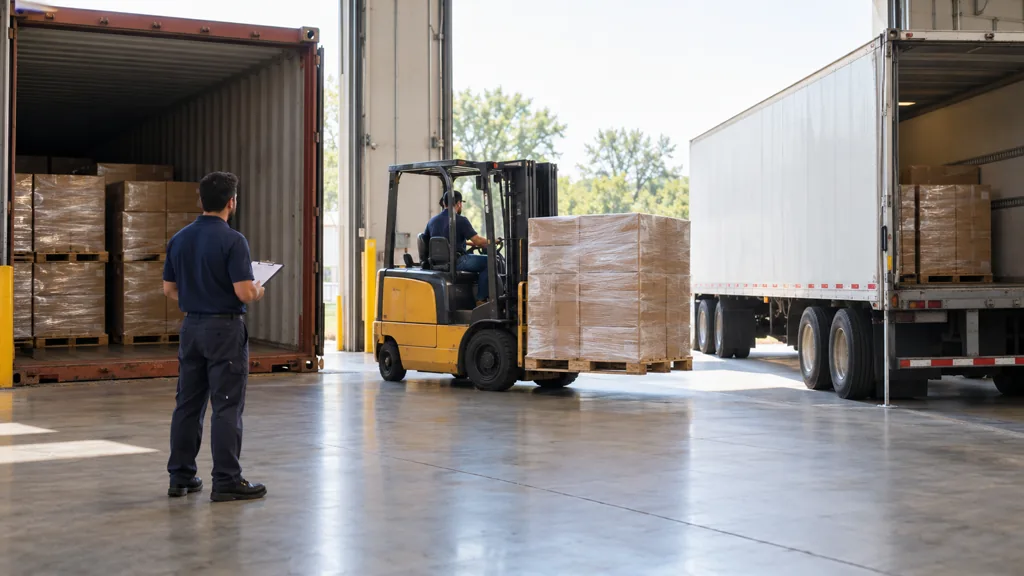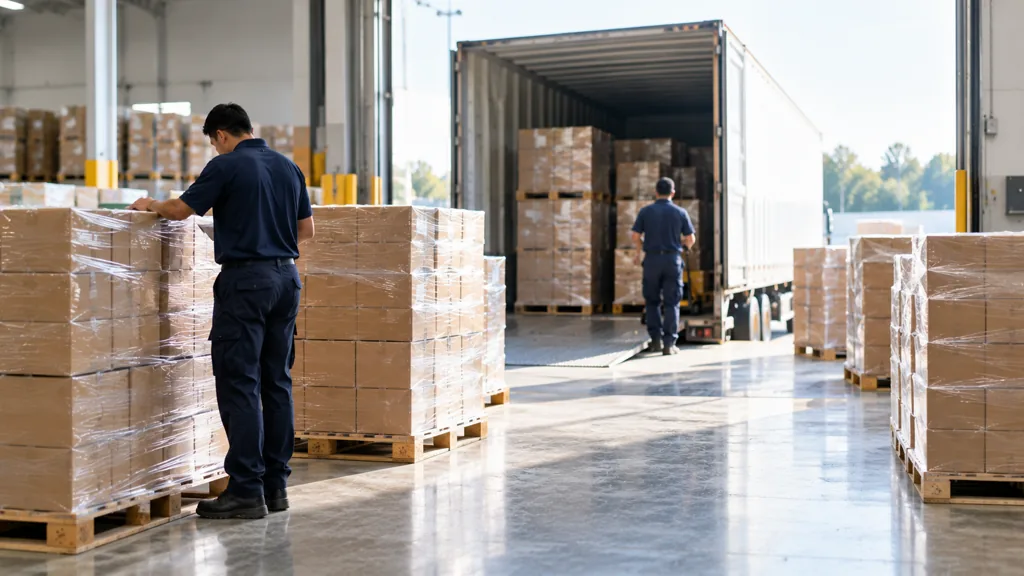
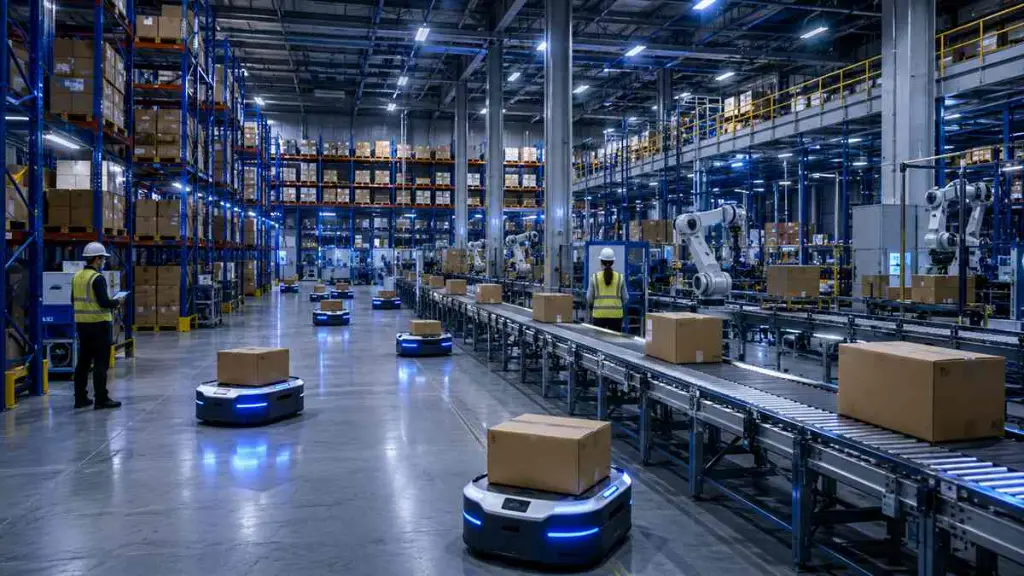

Warehouse automation is the use of technology — robots, conveyors, automated storage, and the software that directs them — to move goods and complete warehouse tasks with less manual labor. It covers everything from a barcode scanner that speeds up picking to a fully robotic storage and retrieval system that runs with almost no people on the floor. The goal is always the same: move more product, more accurately, at a lower cost per order. This guide explains what warehouse automation is, the main types, the benefits and costs, the challenges to plan for, and how growing businesses can get automation without buying it all themselves.
What Is Warehouse Automation?
Warehouse automation is the process of using equipment and software to handle warehouse work that people would otherwise do by hand — receiving, putaway, storage, picking, packing, sorting, and moving goods around the building. It ranges from simple physical automation, like conveyors and barcode scanning, to advanced systems using autonomous robots, automated storage, and AI-driven software that decides what moves where.
The reason businesses automate is simple: labor is the largest and hardest-to-scale warehouse cost. As order volume grows, adding people gets expensive and slow, and manual work carries a steady error rate. Automation lets a warehouse handle more volume with the same or fewer staff, while improving speed and accuracy. Where the gain shows up is cost per order and error rate, and both have to be measured against your own baseline before and after, because the size of the improvement depends entirely on how much travel and manual counting the process contained to begin with.
Warehouse Automation vs. a Warehouse Management System: What’s the Difference?
The difference is decision versus execution: a warehouse management system decides what work should happen, and warehouse automation is the physical equipment that carries it out. The warehouse management system (WMS) is the software brain that tracks inventory and directs work. Warehouse automation is the physical equipment — the robots, conveyors, and storage systems — that carries out the movement. The WMS decides what needs to happen; automation does it. The two work best together: a WMS without automation still relies on people to move goods, and automation without a WMS has no intelligence telling it what to do. This guide focuses on the physical automation side; for the software layer, see our full guide to the warehouse management system.
What Are the Main Types of Warehouse Automation?
Warehouse automation comes in four layers, from basic conveyor and scanning up to fully robotic goods-to-person systems.
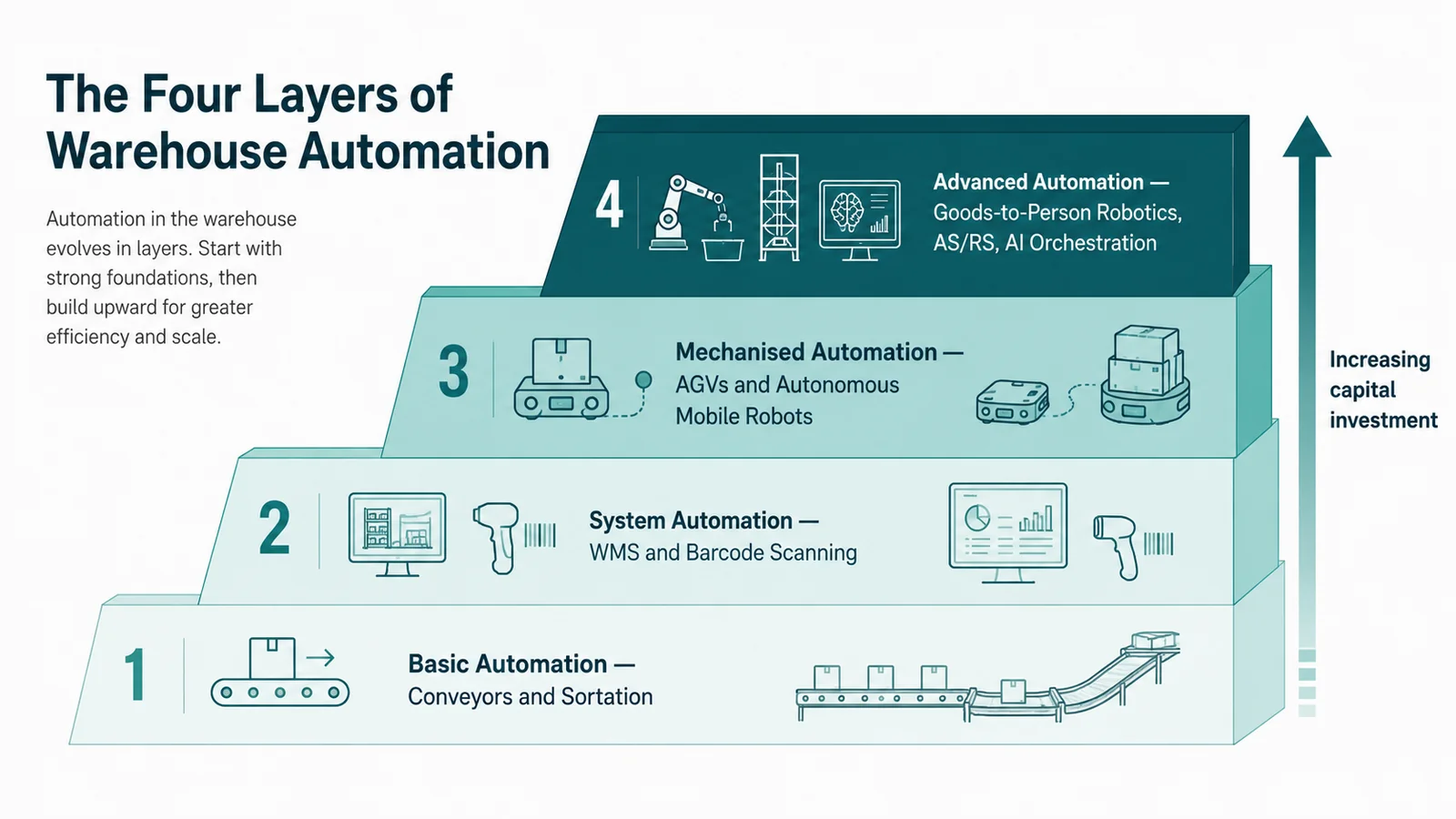
Warehouse automation is not one machine — it’s a set of technologies you can adopt in pieces. The main types:
- Automated guided vehicles (AGVs) and autonomous mobile robots (AMRs): robots that move goods across the floor. AGVs follow fixed paths; AMRs navigate on their own using sensors, working safely around people.
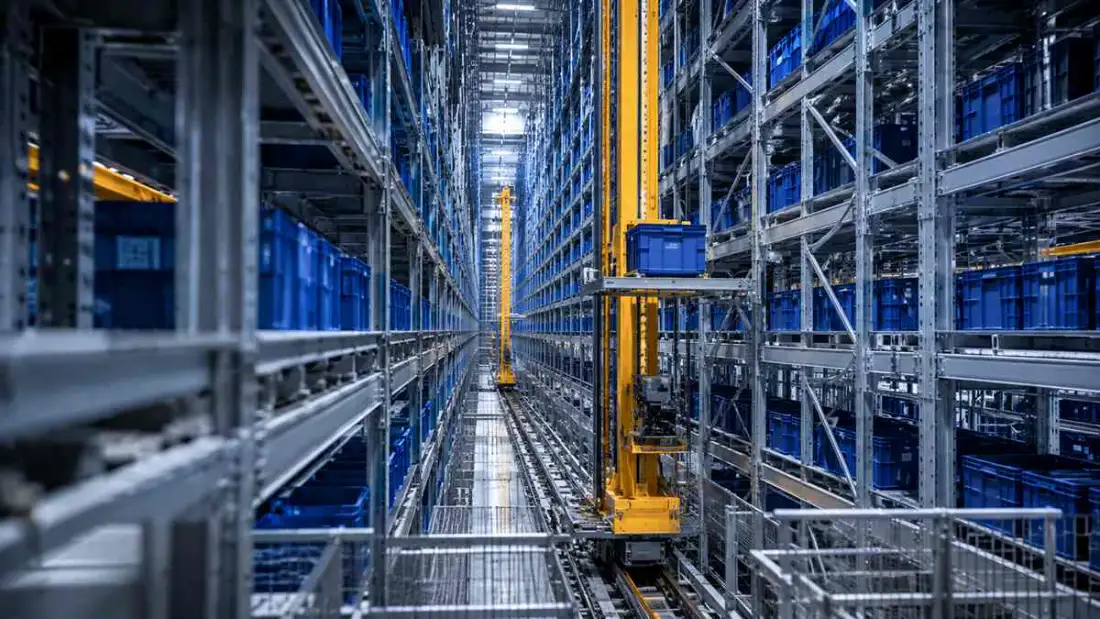
- Automated storage and retrieval systems (AS/RS): cranes, shuttles, or robotic carriers that store and retrieve inventory in high-density racking, making the most of vertical space. They also tighten inventory control, because every put-away and pick is system-directed.
- Goods-to-person systems: automation that brings inventory directly to a picker instead of the picker walking to the shelf, cutting travel time sharply.
- Conveyors and sortation: belts and sorters that move and route products through the building automatically.
- Robotic arms and cobots: robotic arms for picking, palletizing, and packing; collaborative robots (cobots) that work alongside staff on repetitive tasks.
- Pick-to-light and put-to-light: lighted displays that guide workers to the right location, speeding up picking and reducing errors.
- Barcode scanning and RFID: the low-cost foundation that keeps inventory accurate and feeds the rest of the system.
Most warehouses combine several of these, and a WMS ties them together into one coordinated operation.
What Are Some Examples of Warehouse Automation?
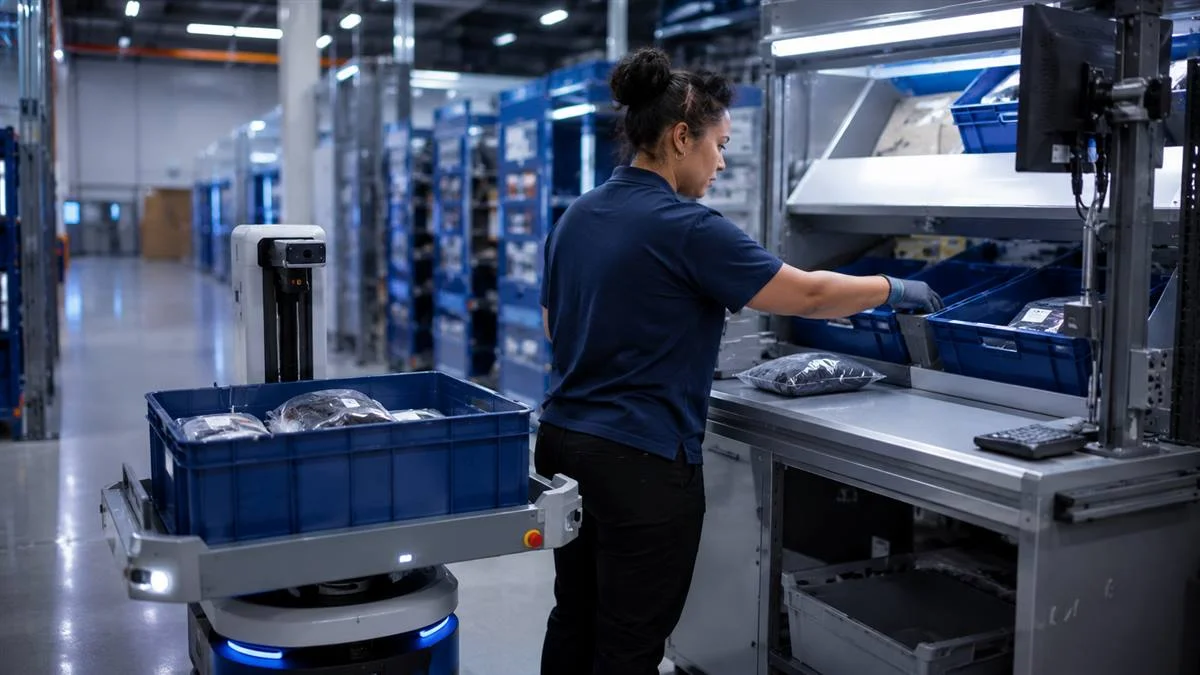
The clearest example of warehouse automation is a goods-to-person station: instead of a picker walking the aisles to reach each shelf, a mobile robot brings the shelf to a fixed station and the picker never leaves it. Five more, from cheapest to heaviest:
- Barcode scanning at receiving: a handheld scanner verifies each inbound pallet against the purchase order, so a mislabeled item is caught at the dock instead of at the customer.
- Pick-to-light in a fast-moving zone: lit displays show the picker which bin and how many units, which removes the paper pick list and the counting errors that come with it.
- Conveyor and sortation after packing: sealed cartons are routed automatically to the right outbound door by carrier and service level, with no manual staging.
- Autonomous mobile robots for replenishment: AMRs move stock from bulk storage to forward pick faces on their own, which frees forklift drivers for exception work.
- Automated storage and retrieval: an AS/RS crane or shuttle stores and retrieves totes in high-density racking, trading floor space for vertical space.
The pattern in every example is the same: automation removes travel, a manual count, or a handoff. Those three are where the time goes and where the errors start, which is why the cheapest automation on the list often returns fastest.
What Are the Benefits of Warehouse Automation?
Warehouse automation pays off across speed, cost, and accuracy at once. The main benefits:
- Lower labor cost per order: automation handles the repetitive work, so the same team ships more.
- Faster fulfillment: goods-to-person and automated picking cut the travel time that slows manual warehouses.
- Higher accuracy: scanning and directed systems push order accuracy above what manual picking reaches.
- Better use of space: automated storage packs more inventory into the same footprint, often reducing the need for a bigger building.
- Safer operations: machines take on the tasks that actually injure people. OSHA states that in warehousing “the most common injuries are musculoskeletal disorders (mainly from overexertion in lifting and lowering) and being struck by powered industrial trucks and other materials handling equipment” — the two exposures automation removes first. The U.S. Bureau of Labor Statistics recorded 4.8 total recordable injury and illness cases per 100 full-time warehousing workers in 2024, 1.5 of them serious enough to involve days away from work.
- Scalability: the operation absorbs peak-season volume without a matching spike in hiring.
Those gains only count if you measure them. Picking productivity, order cycle time and cost per order are the warehouse KPIs that move first after automation, and they are the ones to baseline before the equipment arrives.
The reason automation keeps climbing the priority list is that labor is getting more expensive while output per hour is not improving. Bureau of Labor Statistics figures for warehousing and storage show labor productivity, measured as output per hour, fell 11.5% in 2021, 11.0% in 2022 and 4.4% in 2023, then rose just 0.1% in 2024. Four years of flat-to-falling productivity against rising wages is the arithmetic that makes a capital project worth modeling.
Cost only makes sense when you can see what you get for it. Manual and automated warehouses trade off across several dimensions:
| Dimension | Manual Warehouse | Automated Warehouse |
|---|---|---|
| Upfront capital | Low — building, racking, and labor | High — a capital project with a multi-year payback |
| Operating cost | Scales directly with headcount and hours | Labor drops; power, maintenance and support rise |
| Throughput | Ceiling set by headcount and space | Ceiling set by system design |
| Accuracy | Depends on process discipline; unverified picks are the main leak | Scan verification catches errors before they ship |
| Scaling | Hire and train, months out | Reconfigure or add modules |
| Safety | Higher exposure — manual lifting and forklift traffic | Machines absorb most of the lifting and travel |
| Best fit | Lower or variable volume with a changing SKU mix | High, sustained volume with a stable SKU mix |
How Much Does Warehouse Automation Cost?
Warehouse automation cost scales in tiers, from a barcode-and-WMS foundation costing a few thousand dollars to a full robotic storage and picking system that is a multi-million-dollar capital project, and the payback period stretches with it.
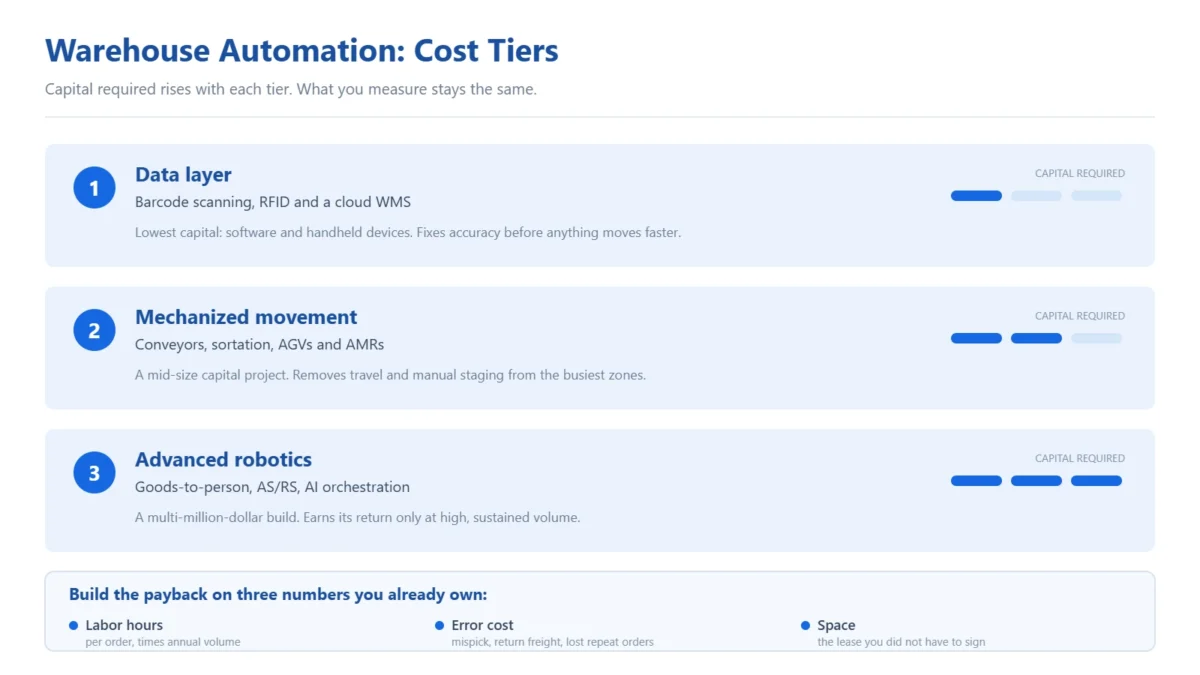
Warehouse automation cost ranges widely, because “automation” spans a handheld-scanner rollout and a multi-million-dollar robotic AS/RS. The right way to think about it is in tiers: low-cost tools like barcode scanning, pick-to-light, and a WMS deliver big accuracy gains for a modest outlay; mid-tier systems like conveyors and AMRs speed up the busiest stations; and full robotic storage and picking systems are major capital projects that make sense only at high, sustained volume.
Judge any automation investment on return, not sticker price. Calculate the labor hours, error costs, and space it saves per year, and compare that to the cost and expected lifespan of the equipment. The rule of thumb: automate your single biggest bottleneck first, prove the payback, then expand.
How Do You Build the Business Case for Warehouse Automation?
Build the case on three numbers you already own: the labor hours the process consumes today, the cost of the errors it produces, and the space it occupies. Automation has to beat all three across the equipment’s working life, not just the first one.
- Labor hours. Time the process per order, multiply by annual volume, and price it at your fully loaded rate. Average hourly earnings in warehousing and storage reached $26.79 in July 2026 according to the U.S. Bureau of Labor Statistics, so an hour saved per hundred orders is a real, compounding number rather than a rounding error.
- Error cost. Price a mispick end to end: the replacement unit, the return freight, the labor to process it, and the share of customers who do not order again. That last part is usually the largest and the one most often left out.
- Space. If automated storage lets you hold the same inventory in less floor area, the saving is the lease you did not sign, not just the racking you did not buy.
Then subtract what automation does not remove. Maintenance contracts, spare parts, integration work, and the retraining time while the team learns the new process are all real costs, and downtime on an automated line stops more work than downtime on a manual one. A business case that ignores them will show a payback the operation never actually hits.
Model it against your own baseline rather than a vendor’s. If you cannot state your current cost per order and your current pick accuracy, you cannot prove automation improved either, and the payback calculation is guesswork dressed up as arithmetic.
Warehouse Automation for Small and Growing Businesses
A small operation should automate the data layer first, barcode scanning and a cloud WMS, and add mechanical automation only once order volume justifies it. Automation is not only for giant distribution centers, and a growing brand can start small and still see a strong return. Barcode scanning and a cloud WMS eliminate most manual errors for a modest cost. Pick-to-light and a few AMRs can speed up a busy pick zone without rebuilding the warehouse. The mistake to avoid is over-automating early — buying robotics before the volume justifies it ties up cash that the business needs elsewhere. Start with the low-cost, high-impact tools, and add heavier automation as order volume earns it. The NIST Manufacturing Extension Partnership gives first-time adopters the same advice: “Start your robot implementation simply and take that principle to heart as you begin to evolve how you use robots in your facility.”
What Are the Challenges of Warehouse Automation?
The five challenges to plan for are upfront cost, integration with your existing WMS, downtime risk, retraining the workforce, and the flexibility you give up when equipment is fixed in place. Each in turn:
- High upfront cost: advanced systems require significant capital and a clear payback case.
- Integration: automation has to connect to your WMS and existing processes, which takes planning and testing.
- Downtime risk: when automated systems go down, the operation can stall, so maintenance and backups matter.
- Workforce change: roles shift from manual tasks to operating and maintaining machines, which needs training.
- Flexibility limits: some fixed automation is hard to reconfigure if your products or volume change quickly.
Which Warehouse Process Should You Automate First?
Automate the process where travel, manual counting, or handoffs cost you the most, which in most operations is picking. Rank your own processes against what automation actually removes from each:
| Process | What automation removes | Automate it early if |
|---|---|---|
| Receiving and put-away | Manual counting and transcription at the dock | Inbound errors are contaminating your inventory records |
| Storage | Floor space, and the distance to reach deep stock | You are close to signing a lease on a bigger building |
| Picking | Walking time and unverified picks | Pickers spend more of the shift moving than picking |
| Packing | Manual box selection and repetitive motion | Packing is the station that backs up at peak |
| Shipping | Manual labeling, sorting and staging | Carrier cut-off times are being missed |
The sequence matters more than the shopping list. Automating storage before your inventory records are accurate only makes the wrong numbers move faster, which is why the data layer comes first in every credible implementation plan.
The software layer is the part most often underestimated. Warehouse automation software is not a single product: it is the WMS that holds inventory and directs work, the control layer that talks to the equipment, and the integrations back to your ecommerce platform or ERP. Equipment vendors supply the middle layer, but the WMS and the integrations are yours to own, and they are usually where the implementation timeline slips.
How a 3PL Gives You Automation Without the Capital
The fastest way to get warehouse automation without a capital project is to outsource to a partner that already runs it. A 3PL provider operates automated fulfillment centers with the robotics, storage systems, and software already in place, and spreads that cost across many clients. For a growing brand, that means access to the speed and accuracy of automation on a pay-per-order basis — no equipment to buy, integrate, or maintain. It’s the practical route to enterprise-grade automation for a business that isn’t ready to build it in-house.
This is the route most growing brands actually take. Cura Resource Group already carries the WMS, the scanning infrastructure and the conveyor and sortation equipment across its facilities, so a brand moving in inherits the automation as an operating cost per order instead of a capital project with a multi-year payback.
The Future of Warehouse Automation
Warehouse automation is growing steadily rather than explosively, and the honest numbers are more modest than the hype suggests: Interact Analysis recorded a 3% decline in warehouse automation order intake in 2024 and projects a 9% compound annual growth rate between 2026 and 2030, against 8% across 2024 to 2030. The direction is toward more autonomous, AI-driven systems, where robots, software, and people work as one coordinated operation, and where machine learning improves slotting, routing, and forecasting continuously. Robotics-as-a-service models are also lowering the barrier, letting mid-size warehouses rent automation instead of buying it. The warehouse of the next few years will be defined less by how much automation it contains and more by how intelligently that automation is run.
Final Word
Warehouse automation turns the warehouse from a labor-bound bottleneck into a system that scales. It spans everything from barcode scanning to full robotics, and the smart path is to automate your biggest bottleneck first, prove the return, and build from there. Whether you invest in your own equipment or tap a 3PL that already runs it, automation is what lets a growing operation move more product, more accurately, without labor cost rising in lockstep. Start with the fundamentals that pay off fast, and add heavier automation as your volume earns it.
Want automated fulfillment without the capital investment?
Frequently Asked Questions
What does warehouse automation include?
Warehouse automation is the use of technology — robots, conveyors, automated storage, scanning hardware, and the software that directs them — to move goods and complete warehouse tasks with less manual labor. It covers everything from a barcode-and-WMS foundation up to fully robotic goods-to-person picking systems.
What is an automated warehouse?
An automated warehouse is one where the physical movement of goods is largely handled by machines rather than people — autonomous mobile robots, conveyors, automated storage and retrieval systems — coordinated by a warehouse management system. Fully automated facilities are rare; most operations run a hybrid of automation and manual work.
How do you automate a warehouse?
Start with the data layer — a warehouse management system and barcode scanning at every touchpoint. Add pick-to-light or voice picking to lift accuracy. Layer autonomous mobile robots for travel-heavy processes. Automate storage last, because it locks in the most capital. Each layer earns the next by proving its return.
How much does it cost to automate a warehouse?
Cost scales in tiers rather than to a single number. A barcode-and-WMS foundation is a modest monthly software cost. Conveyors, sortation and mobile robots are a mid-size capital project. Full goods-to-person robotics is a multi-million-dollar build. Model the payback against your own labor hours, error costs and space, not a vendor benchmark.
What are the four types of warehouse automation?
The four broad categories are basic automation (conveyors, sorters), system automation (WMS and scanning), mechanized automation (AGVs and AMRs moving goods), and advanced automation (goods-to-person robotics, AS/RS, AI-driven orchestration). Most operations use a mix, adding layers as volume justifies the next tier.
Which warehouse processes can be automated?
Receiving, put-away, storage, picking, packing and shipping can all be automated to some degree. Receiving and put-away through scanning and conveyors. Storage through AS/RS. Picking through robots, pick-to-light, or voice. Packing through automated cartonization. Shipping through automated label printing and sortation. Which to prioritize depends on where your travel time and error cost are highest.
What is warehouse robotics?
Warehouse robotics is the subset of automation that uses mobile or fixed robots to physically move goods — autonomous mobile robots (AMRs) traveling to pickers, automated guided vehicles (AGVs) on fixed paths, robotic arms for picking or palletizing, and goods-to-person systems that bring inventory to a stationary worker.
Is warehouse automation worth it for a small business?
Yes, if you scale it. Barcode scanning and a cloud WMS deliver large accuracy gains for a modest monthly cost — well within reach of small operations. Add pick-to-light or a handful of AMRs as volume justifies each step. The mistake is skipping to full robotics before the data layer is solid.